
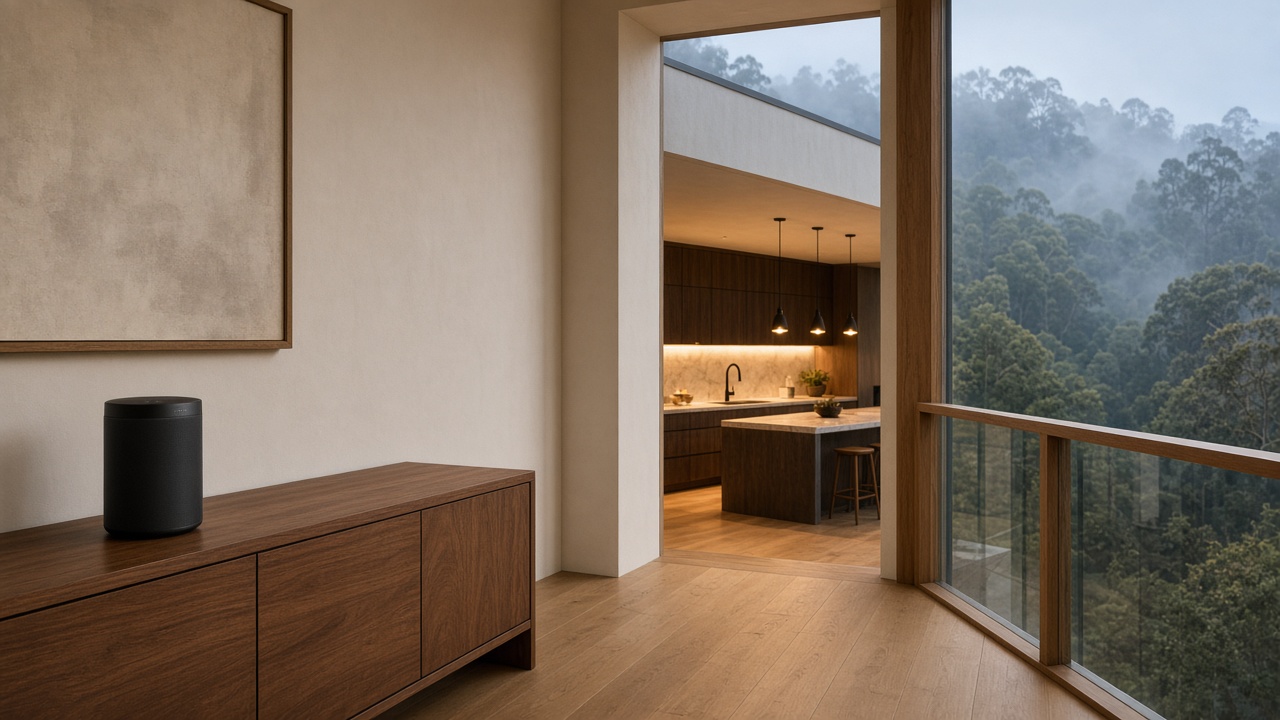
Key Benefits
Groups that hold upstairs
Radios where you listen, with a wired path — so the suite does not drop mid-song.
One app for every floor
Wireless rooms and wired zones in the same system, labeled for how you actually live.
A house anyone can run
Short walkthrough and clear names — start the rooms that belong together without a reboot ritual.
The pleasure of Sonos is music that stays together — two rooms or the whole house, same song, same beat, one mood you can turn up for dinner and soften where the house should stay quiet. Group the rooms that share the evening. Leave the others alone.
On a tall house or a long wing, the mood breaks for a dull reason. Floors, plaster, stone, and distance get between the rooms you grouped. The kitchen starts the song. The suite upstairs drops, or the far end never quite joins. The speakers are usually fine. The path between them is not.
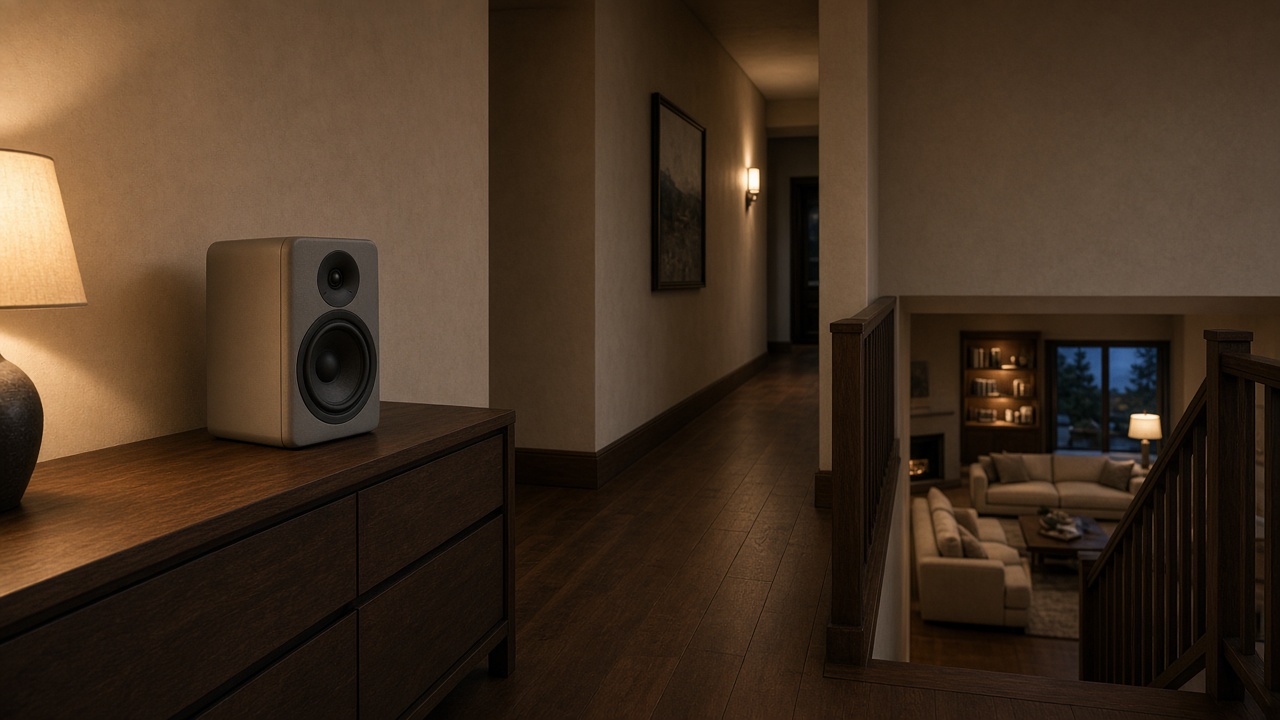
Why floors drop the group
Grouped playback needs every player on the same home network with a steady connection. A strong kitchen signal does not mean the third floor, a buried level, or the far wing can stay with the group. One router in a basement rack, or a wireless hop stretched across the building, runs out of room once calls and cameras share the air.
You should not restart the app or unplug a speaker to finish a song. Adding the primary suite — or taking it back out — should be a tap. When that tap fails only on floors far from the router, the speakers are not the project.
What HomeIQ does
We place radios on the floors and wings where people listen, with a wired path back so a group is not riding a chain of wireless hops. Rooms that should stay off Wi‑Fi — in-ceiling speakers on an Amp, for example — still show up in the same app.
Tell us which rooms share a playlist, which stay private, and where a group already falls apart. A terrace that is still this house stays in the plan. A detached cottage is a different path — see Sonos for the guest house.
Book a free consult or call (707) 329-0550 — photos of the equipment and the rooms that fail are enough to start.
How it works
Map the rooms
Which rooms share a playlist, and where a group already drops.
Place the path
Radios where people listen, with a wired link back.
Walk through it
Install, labels, and one group across the floors you actually use.
Frequently Asked Questions
Floors, stone, and distance weaken the link, and a wireless hop runs out of room once the rest of the house is online. We place radios where you listen and give them a wired path so the group can hold.
Yes. Wireless speakers and an Amp with architectural or weather-rated outdoor speakers can live in one Sonos system. We choose which rooms stay on Wi‑Fi and which get a wired Amp.
This page is one house: floors and wings. A detached cottage that should join for dinner and stay private at night is a separate design.
Yes. We design, install and support Sonos systems, with the network planned alongside the speakers.